
AI image animation transforms static photographs into moving visuals using machine learning models and neural network architectures. Poodle photos convert into animated clips through specialized diffusion models and motion generation frameworks. This process applies facial landmark detection, motion vectors, and frame interpolation to create lifelike movement from a single image.
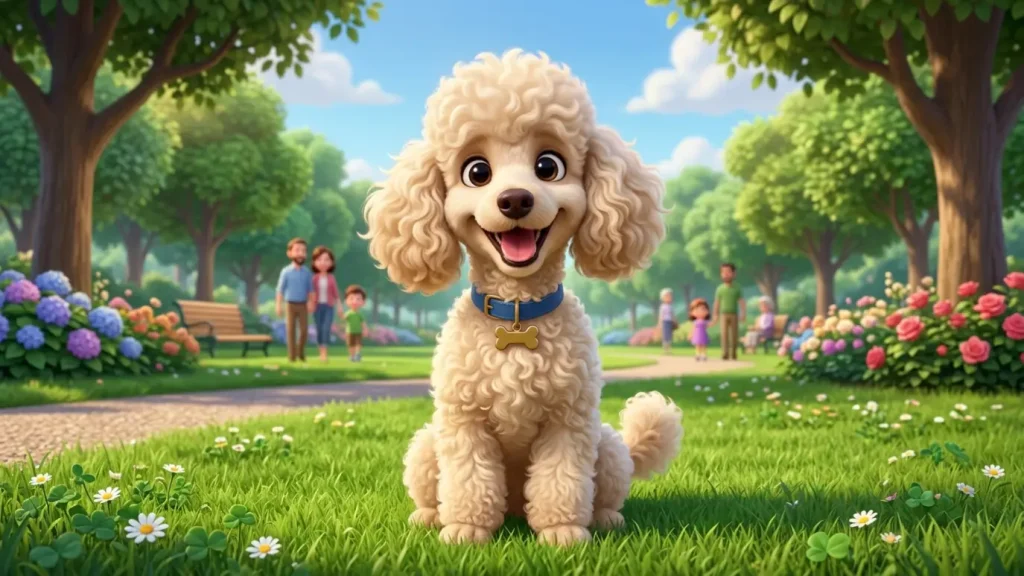
The demand for ugly poodle images and creative poodle content has grown across social media platforms and digital marketing channels. Pet owners, content creators, and designers use AI animation tools to generate engaging visuals for entertainment, branding, and artistic expression. Understanding the technical workflow ensures high-quality output and efficient processing.
This article explains the complete process of converting a poodle photograph into an animated AI image. Each section covers specific tools, technical steps, and best practices for achieving professional results.
What Is an Animated AI Image?
An animated AI image is a digital visual generated by artificial intelligence systems that simulates motion from a static source. These animations use deep learning models to predict movement patterns, facial expressions, and environmental changes across multiple frames.
AI animation systems rely on generative adversarial networks (GANs), diffusion models, and transformer-based architectures. Models such as Runway Gen-2, Pika Labs, and Stable Video Diffusion process input images and generate sequential frames that create the illusion of movement. The technology applies motion priors learned from extensive video datasets to produce coherent, realistic animations.
Animated AI images differ from traditional GIFs or video clips. Traditional formats require pre-recorded footage or frame-by-frame manual creation. AI-generated animations produce movement from a single still image without prior video source material.
What Tools Are Needed to Animate a Poodle Photo?
Several AI platforms convert static poodle photos into animated visuals. Each tool operates through distinct technical architectures and produces varying output quality.
What Is Runway Gen-2?
Runway Gen-2 is a multimodal AI system developed by Runway ML that generates video content from images and text prompts. The model uses latent diffusion techniques to predict motion trajectories and render smooth frame transitions. Users upload a poodle photo, provide a text description of desired movement, and the system generates a 4-second video clip. Source: Runway Research
What Is Pika Labs?
Pika Labs is an AI video generation platform specializing in image-to-video conversion. The tool applies motion control parameters that allow users to specify camera movement, subject motion, and animation intensity. Pika Labs processes poodle photos through its proprietary neural network and outputs high-definition animated sequences. The platform supports customization of motion speed and directional flow.
What Is Stable Video Diffusion?
Stable Video Diffusion (SVD) is an open-source image-to-video model released by Stability AI. The system extends Stable Diffusion’s image generation capabilities into temporal dimensions. SVD generates 25 frames at 576×1024 resolution from a single input image. The model operates on consumer-grade GPUs and allows local deployment for users with technical expertise. Source: Stability AI
What Is LeiaPix Converter?
LeiaPix Converter is a depth-based animation tool that creates 3D parallax effects from 2D images. The platform uses depth estimation algorithms to separate foreground subjects from backgrounds. For poodle photos, LeiaPix generates subtle head movements, ear twitches, and breathing motions through depth map manipulation. The tool produces lightweight animations suitable for social media sharing.
What Are the Steps to Animate a Poodle Photo?
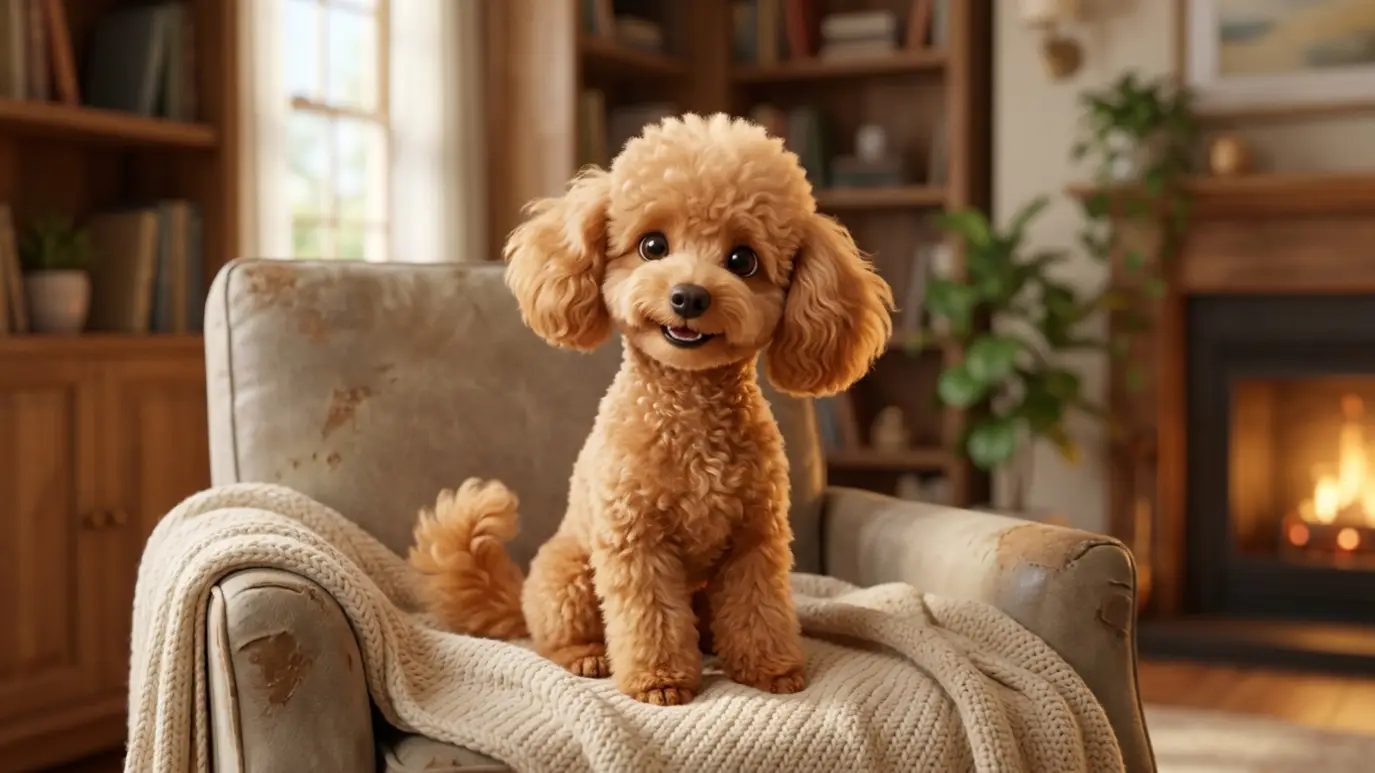
The animation process follows a structured workflow from image preparation to final export.
Step 1: Select a High-Quality Poodle Photo
Choose a clear, well-lit photograph with the poodle as the central subject. The image resolution must exceed 1024×1024 pixels for optimal AI processing. Front-facing or three-quarter angle portraits produce the best facial animation results. Avoid blurry, low-contrast, or heavily obstructed images.
Step 2: Prepare the Image File
Crop the photo to focus on the poodle’s face and upper body. Remove distracting background elements when possible. Save the file in PNG or JPEG format with maximum quality settings. Some platforms accept HEIC or WebP formats, but JPEG remains the most universally compatible option.
Step 3: Upload to an AI Animation Platform
Access the chosen AI tool through its web interface or application. Upload the prepared poodle photo to the image-to-video module. Verify that the upload completes successfully and the preview displays correctly.
Step 4: Configure Animation Parameters
Set motion intensity, duration, and style preferences. Specify desired movements such as head tilting, ear flapping, or tail wagging. Adjust camera motion settings including zoom, pan, and rotation angles. Some platforms offer preset animation styles optimized for pet portraits.
Step 5: Generate the Animation
Initiate the generation process and wait for the AI model to render the output. Processing times range from 30 seconds to 5 minutes depending on platform capacity and animation complexity. Review the generated clip for quality assessment.
Step 6: Export and Optimize
Download the final animation in MP4, GIF, or MOV format. Compress the file for web use if necessary. Maintain original resolution for archival purposes.
What Technical Factors Affect Animation Quality?
Multiple technical elements determine the fidelity and realism of AI-generated poodle animations.
Image Resolution and Clarity
High-resolution source images provide more visual data for the AI model to analyze. Sharp details in fur texture, eye structure, and facial features enable accurate motion prediction. Low-resolution inputs produce artifacts, blurring, and distorted features during animation.
Lighting and Contrast
Even, natural lighting reduces shadow ambiguity that confuses depth estimation algorithms. High-contrast images with clear subject-background separation improve motion boundary detection. Backlit or underexposed photos generate inconsistent animation results.
Subject Positioning and Composition
Centered subjects with visible facial features achieve superior animation outcomes. Obscured eyes, turned heads, or extreme angles limit the model’s ability to generate natural movement. The rule of thirds composition often produces balanced, visually appealing animated sequences.
Model Architecture and Training Data
Different AI platforms utilize varying neural network designs. Transformer-based models capture long-range motion dependencies more effectively than convolutional architectures. Training datasets containing diverse dog breeds improve poodle-specific animation accuracy.
What Are Common Issues When Animating Poodle Photos?
Several technical challenges arise during the AI animation process.
Facial Distortion
AI models sometimes misinterpret poodle facial structure, particularly around the muzzle and eye regions. This distortion manifests as melting features, asymmetric expressions, or unnatural eye movement. Selecting high-quality frontal portraits minimizes this issue.
Unnatural Fur Movement
Poodle coat texture presents unique challenges for motion simulation. Curly, dense fur does not move like straight human hair or short animal coats. AI systems trained primarily on human subjects may generate stiff or physically implausible fur dynamics.
Background Artifacts
Static backgrounds sometimes exhibit unintended motion or texture warping. This occurs when the model fails to properly segment foreground and background elements. Using images with clean, simple backgrounds reduces artifact occurrence.
Temporal Inconsistency
Frame-to-frame coherence issues create flickering or jumping effects. Advanced models with temporal attention mechanisms produce smoother sequences than basic implementations. Post-processing stabilization tools correct minor inconsistencies.
What Are the Best Practices for Poodle Photo Animation?
Following established guidelines ensures optimal results across different AI platforms.
Use Professional Photography Standards
Capture poodle photos with DSLR or high-end smartphone cameras. Maintain shutter speeds above 1/125 second to eliminate motion blur. Shoot during golden hour lighting for warm, natural tones. Position the camera at the poodle’s eye level for engaging perspective.
Match Animation Style to Intended Use
Select subtle, natural movements for professional or memorial content. Choose exaggerated, playful animations for social media entertainment. Align motion intensity with platform specifications. TikTok and Instagram Reels favor dynamic movement, while website headers require understated effects.
Iterate and Refine
Generate multiple animation versions with varying parameters. Compare outputs side-by-side to identify optimal settings. Most platforms allow prompt adjustment and re-generation without additional cost within subscription limits.
Respect Copyright and Usage Rights
Verify ownership of the original poodle photograph before uploading to AI platforms. Commercial use of AI-generated animations may require platform-specific licensing agreements. Review terms of service for each tool regarding output ownership and distribution rights.
What Are Alternative Approaches to Poodle Image Animation?
Beyond standard image-to-video platforms, several specialized techniques exist.
Deepfake and Face-Swap Animation
Deepfake technology maps poodle facial features onto video templates of moving dogs. This approach requires video source material and specialized software such as DeepFaceLab or Faceswap. The technique produces highly realistic movement but demands significant technical skill and computational resources.
3D Model Rigging
Blender and similar 3D software enable manual creation of animated poodle models. Artists sculpt digital poodle meshes, apply fur shaders, and animate skeletal rigs. This method offers complete creative control but requires weeks of production time versus minutes for AI generation.
Motion Capture Integration
Advanced workflows combine AI-generated base animation with motion capture data from real dogs. Inertial measurement unit (IMU) sensors or optical tracking systems record authentic canine movement. This data refines AI output for documentary or scientific applications requiring biological accuracy.
Frequently Asked Questions
What Types of Poodle Photos Work Best for AI Animation?
Front-facing portraits with clear eye visibility produce the most realistic animations. Three-quarter angle shots work effectively for head-turning motion. Full-body images support tail-wagging and walking simulations. Photos with complex backgrounds or multiple subjects reduce animation accuracy.
How Does AI Handle Poodle Fur Texture During Animation?
Diffusion models analyze fur patterns through convolutional neural network layers. Curly poodle coats present unique motion physics that differ from straight or short fur. Advanced models trained on diverse dog datasets generate more plausible fur dynamics. Simpler models may produce stiff or artificially smooth coat movement.
What Is the Difference Between AI Animation and Traditional Video?
AI animation generates movement from a single static image without prior video footage. Traditional video requires recording actual motion with cameras over time. AI produces 4-second to 10-second clips from one photograph. Traditional video captures continuous real-world action without generative prediction.
Can AI Animate Ugly Poodle Images?
Yes, AI animation platforms process all poodle photographs regardless of aesthetic judgment. Ugly poodle images animate with the same technical fidelity as conventionally attractive photos. The AI model analyzes pixel data and structural features without aesthetic bias. Humorous or unconventional poodle photos often generate engaging viral content on social media platforms.
What Hardware Is Required for Local AI Animation?
Stable Video Diffusion requires a GPU with 24 GB VRAM for full-resolution output. Consumer-grade GPUs with 8 GB VRAM run compressed or lower-resolution versions. CPU-only processing is possible but increases generation time by 10x to 50x. Cloud-based platforms eliminate hardware requirements entirely.
Are There Ethical Concerns With AI Pet Animation?
AI-generated pet content raises questions about authenticity and misrepresentation. Animated photos of deceased pets require sensitive handling in commercial contexts. Deepfake technology applied to animals lacks the same regulatory scrutiny as human applications. Users should disclose AI-generated content when presenting it as authentic footage.
How Will AI Pet Animation Technology Evolve?
Research institutions including MIT and Stanford develop next-generation video diffusion models. Future systems will generate longer sequences with complex multi-subject interactions. Real-time animation capabilities will enable live video filters for pet streaming content. Improved biological accuracy will produce medically and scientifically valid animal movement simulations.